
MNT Card Time Control Info Form Tab
MNT Card Time Control Info Form Tab
Purpose: To define the elements displayed on the T/C Info Form (Time Control Info Form) tab of the Maintenance Card window.
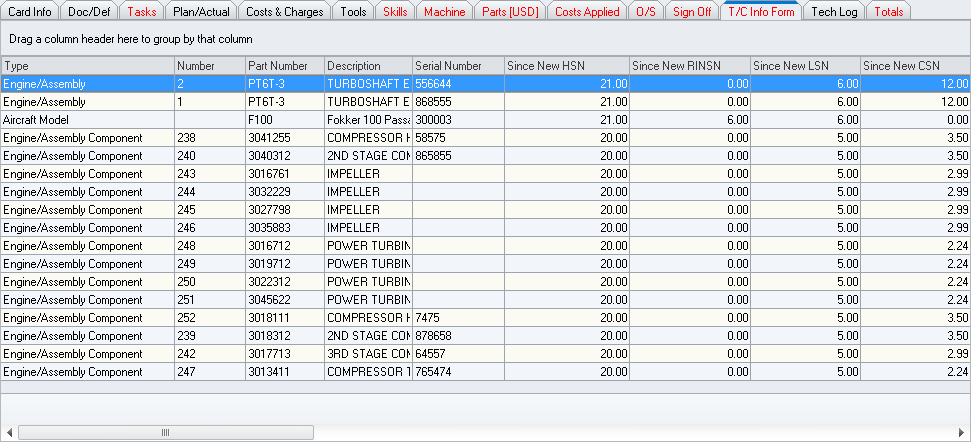
Located just below the tab tool bar.
 will appear on the right side of each column header when the mouse
pointer is hovered over the column header. Left-click to expand a
filter menu which will allow the user to filter results based upon
the particular column.
will appear on the right side of each column header when the mouse
pointer is hovered over the column header. Left-click to expand a
filter menu which will allow the user to filter results based upon
the particular column. will
appear in the right portion of the column header.
will
appear in the right portion of the column header.|
AEROSPACE • DEFENSE • ELECTRONICS • POWER SYSTEMS • METALS• DEFENSE • ELECTRONICS • POWER SYSTEMS • METALS |
||
|
|
|
MNT Card Time Control Info Form Tab |